Brandon McConnell
Senior Frontend Engineer
Share this article
Brandon McConnell
Senior Frontend Engineer
Share this article
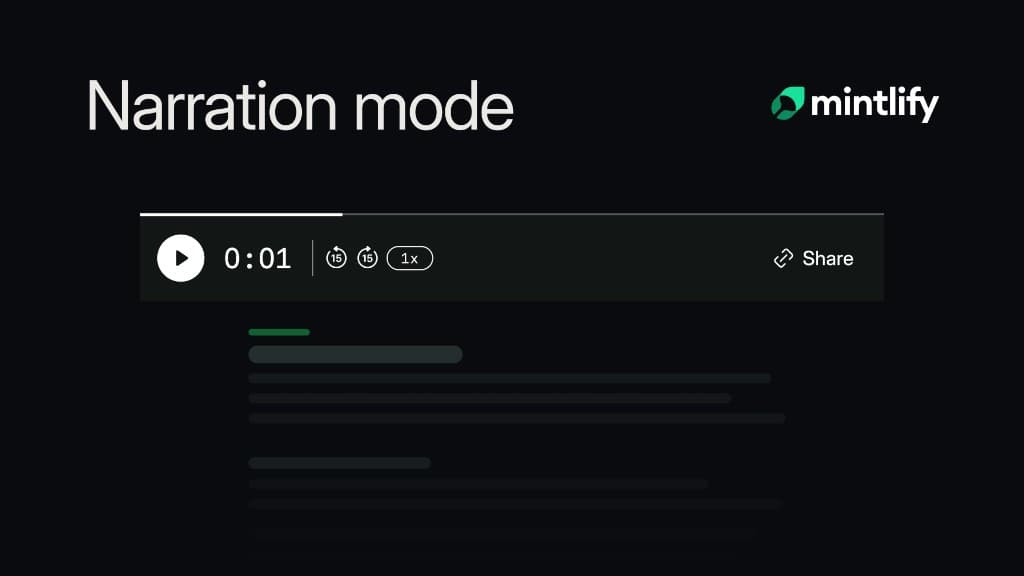
Narration is now available to Mintlify customers on Pro plans and above. Once enabled, readers can listen to supported documentation pages while Mintlify highlights each sentence and keeps their place on screen.
Previously, adding audio to documentation meant recording, hosting, and updating files by hand. Every content change created more work, while generic text-to-speech tools read code, tables, and interface elements as noise. Now every supported page can have an audio version without a separate production workflow.
How narration works
A Listen to this page player appears at the top of each supported page. Press play and narration begins streaming within seconds.
Readers can pause, track progress, and adjust playback speed from 0.5× to 2×. As each sentence is spoken, Mintlify highlights it and automatically scrolls the page to keep it in view. If the reader scrolls elsewhere, automatic scrolling stops while the audio continues.
Opening another page stops the current narration. Playback speed is remembered for the rest of the session.
We built Narration using ElevenLabs Eleven Turbo v2.5 model. Narration works across languages. For sites with languages configured in docs.json navigation, Mintlify sends the page's locale to ElevenLabs as the language_code. For sites without configured languages, the model auto-detects the language from the page text.
See how the player works and watch Narration in action on the Mintlify docs.
Built for technical content
Narration understands the structure of documentation. It reads the title, description, and body in order while announcing elements such as steps, tabs, callouts, and accordions with short spoken cues.
Code blocks, tables, media, API fields, and other content that doesn’t translate well to audio are skipped. Tabs switch and collapsed sections open when they contain content being read.
This makes Narration useful for readers following a guide from another window, working hands-on in a terminal, browsing from a phone, or benefiting from an alternative to reading dense pages on screen.
Pricing
Narration uses AI credits. It costs 50 AI credits the first time someone listens to a new or updated page.
Replays of the same page version are free. If narration fails to generate, you aren’t charged.
Get started
- Open your project in the Mintlify dashboard.
- Go to Settings → General → Narration.
- Enable Page narration. Mintlify automatically rebuilds your site to apply the change.
More blog posts to read
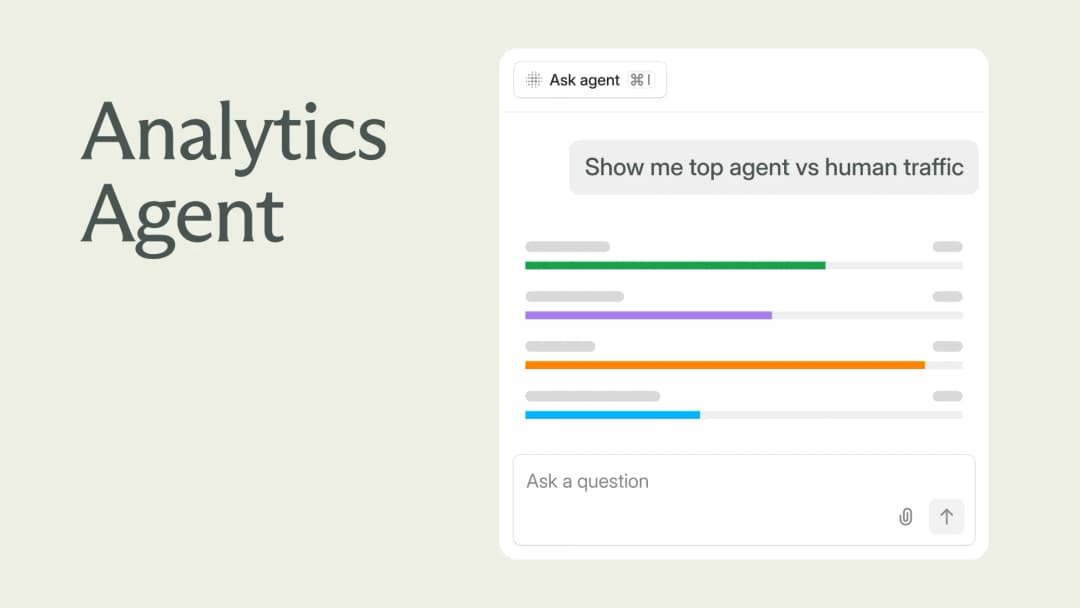
Explore your analytics with the Mintlify agent
The Mintlify agent can now answer analytics questions about your docs, so you can understand user and agent trends without leaving the editor.
September 29, 2026David Isquick
Product Marketing
Relaunching the Mintlify Free Plan
A lot of teams are still spinning up a docs site the hard way: a Next.js app, a markdown pipeline someone builds on their spare time, a search index that breaks and doesn't get fixed.
September 28, 2026Han Wang
Co-Founder